
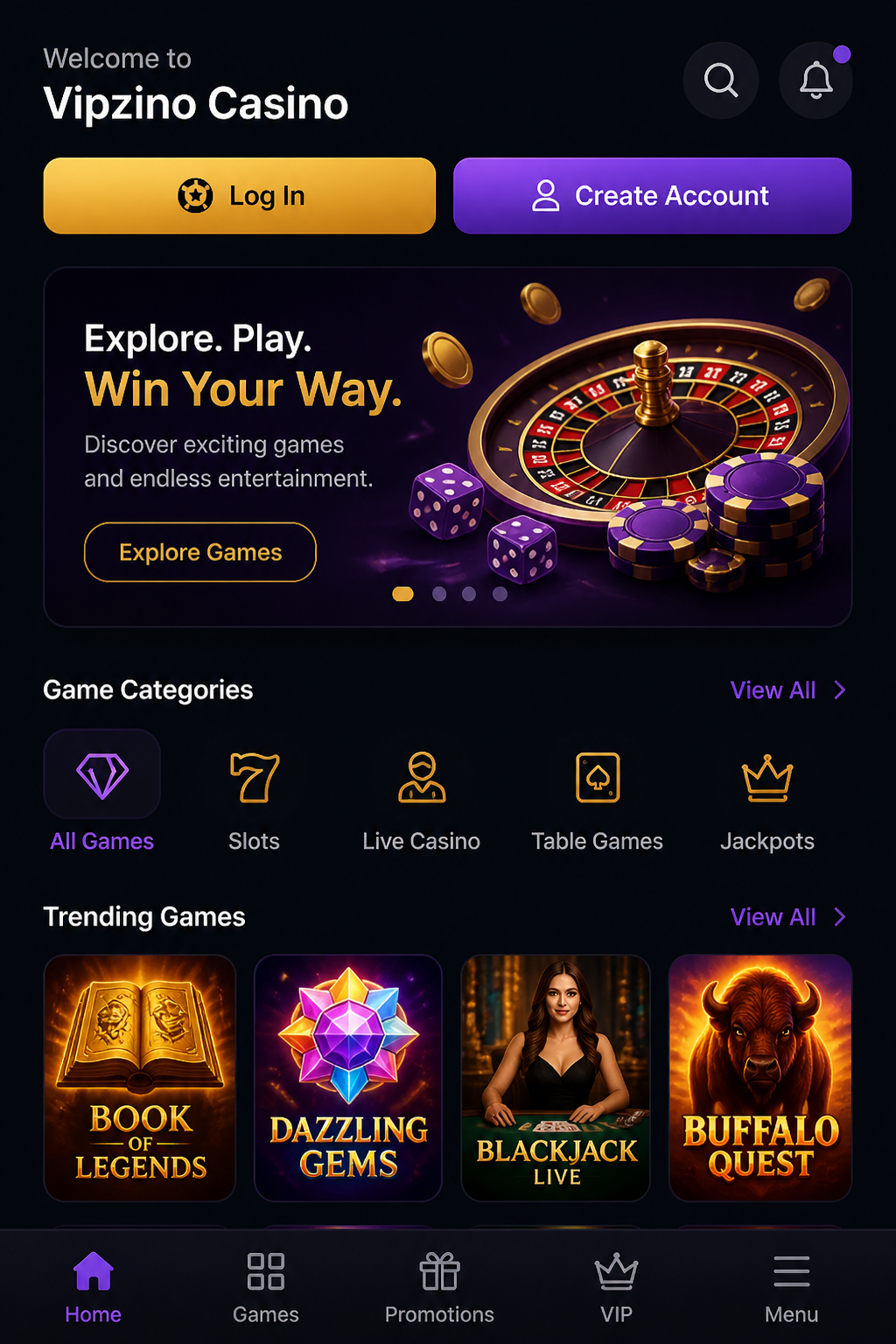
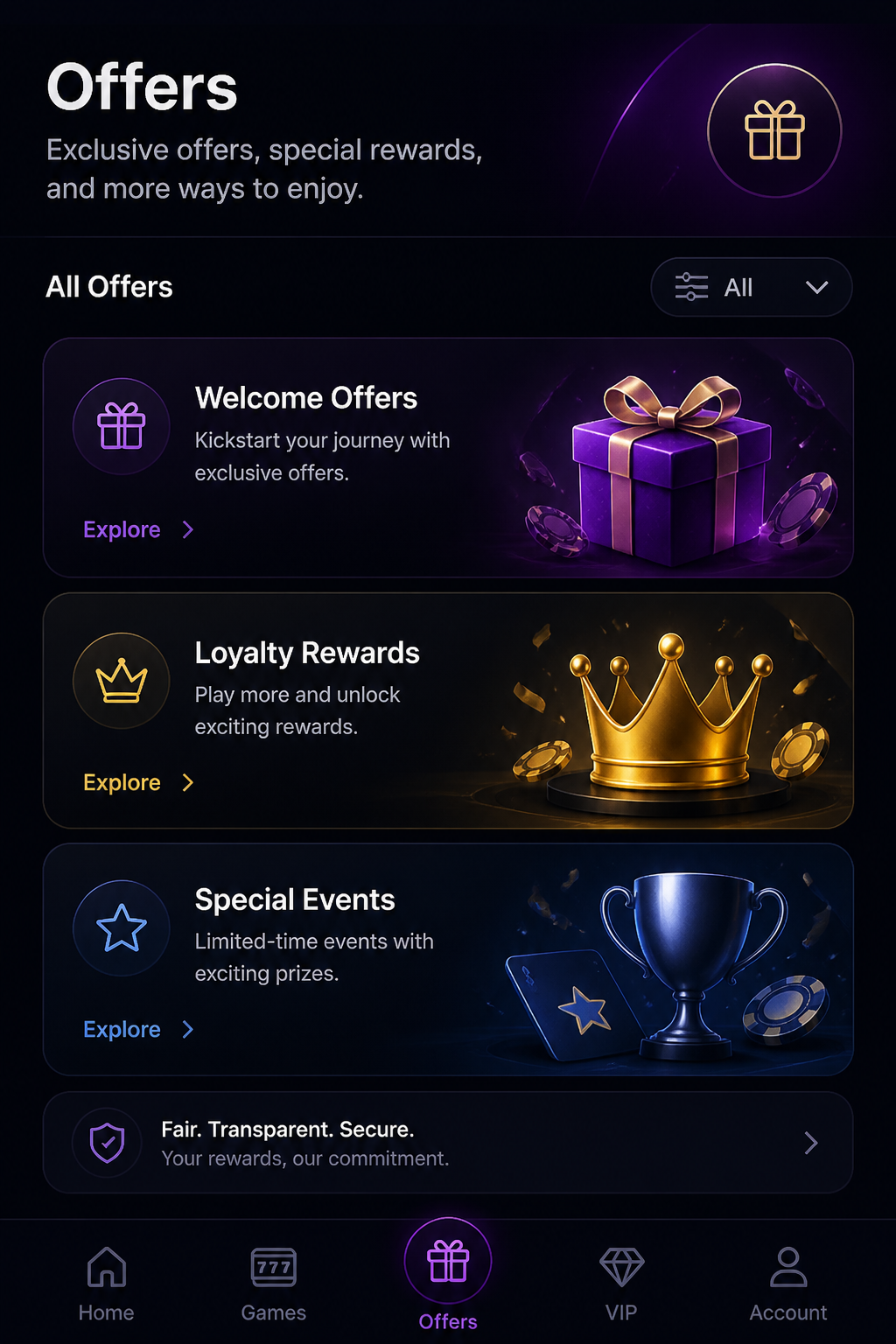
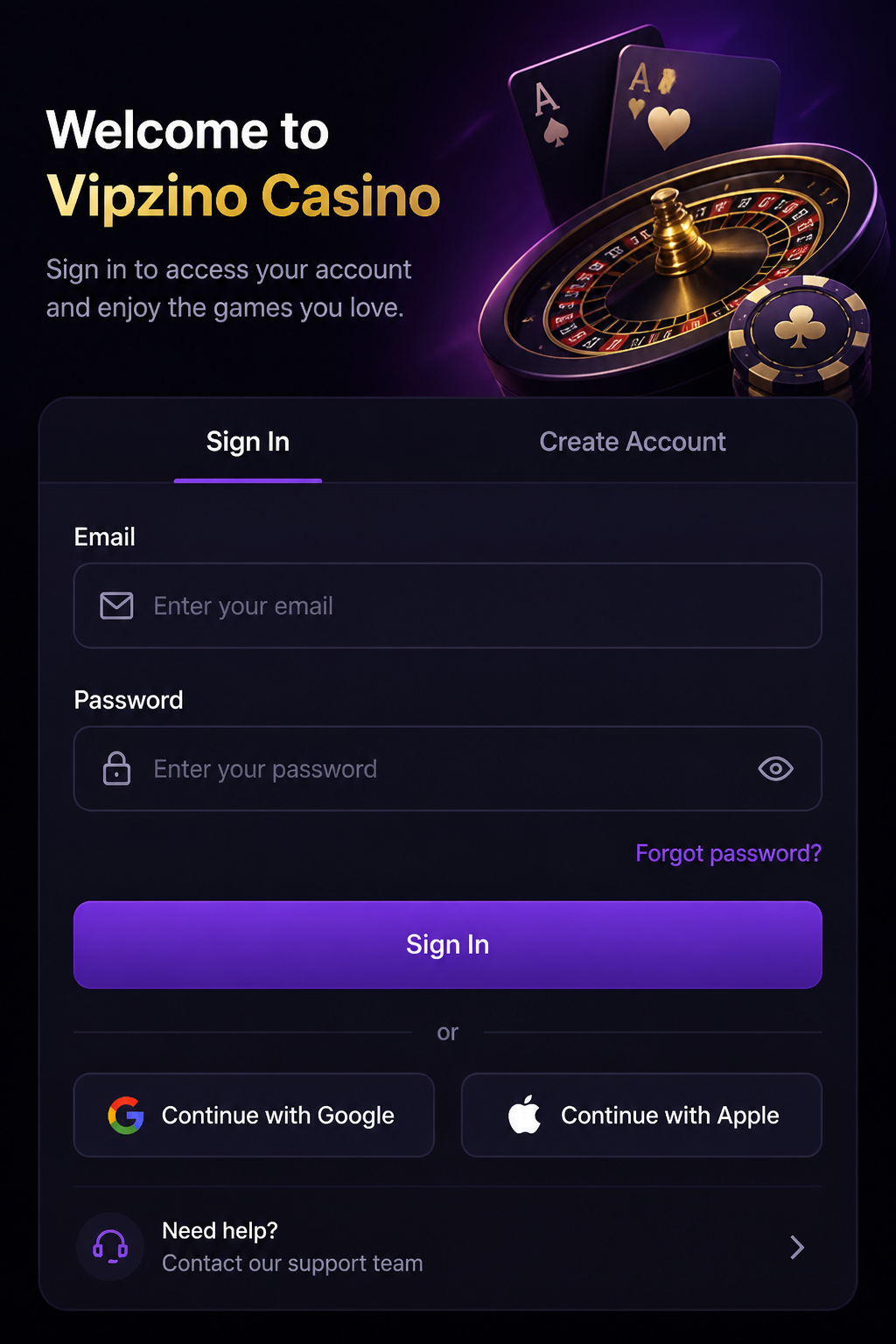
You can take Vipzino anywhere. The casino and sportsbook run entirely in the browser of your phone or tablet, so you don't need to install anything to play. You log in with the same account as on your computer and get instant access to your balance, your bonuses, the slots, the live tables and today's matches. In this guide you'll read how Vipzino works on iPhone, iPad and Android, everything you can do on mobile and how to fix the most common problems yourself.
| Mobile feature | Vipzino | Tip |
|---|---|---|
| Access | Via the browser | Safari on iOS, Chrome on Android |
| App icon | Via your home screen | Opens Vipzino with one tap |
| Slots | Full selection | Landscape mode gives a better view |
| Live casino | All tables | Play on a stable Wi-Fi connection |
| Sports | Pre-match and live betting | Handy during the match |
| Payments | Cashier with Trustly and more | Confirm in your banking app |
Playing Vipzino on the go

The mobile version of Vipzino isn't a stripped-down version of the website on your computer. Everything you can do at home, you can also do on the go: play, bet, deposit, withdraw and check your VIP progress. The layout has been adapted to a small screen, though. Buttons are bigger, the menu is neatly tucked away behind one icon and you can scroll through the lobby easily with your thumb. Whether you're on the train, lying on the sofa or want to play during half-time, you're at the table in a few taps.
Because everything is linked to your account, it doesn't matter which device you use. If you start on a slot at home and want to continue later on your phone, you'll see exactly the same balance, the same bonus and the same wagering progress.
Opening Vipzino on your phone

Playing in the browser without a download
Open the browser on your phone and go to the Vipzino website. The site automatically detects that you're on mobile and adapts the layout to your screen. Because Vipzino runs in the browser, it takes up no storage space and you never have to download updates. Every time you open the site, you're playing the latest version, including all new slots and promotions. You log in with your email address and password, just like on your computer.
Vipzino as an icon on your home screen
Want to open Vipzino like a regular app? Then add the website to your home screen. You'll get an icon among your other apps and with one tap you're in the lobby, without first opening the browser and typing in the address. If you want to remove the icon, you delete it just as easily as an app, without anything changing in your account. Always use Vipzino's official address and don't install files from other websites pretending to be a Vipzino app.
Vipzino on iPhone and iPad

Opening Vipzino in Safari
On an iPhone or iPad, Vipzino works best in Safari. Open the site, tap the share button at the bottom and choose add to home screen. From then on, Vipzino sits among your apps. Keep iOS up to date, and the games will run most smoothly and you'll be best protected. If you prefer another browser, Vipzino works there too.
Slots and live tables on iOS
Slots run smoothly on the iPhone, in both portrait and landscape mode. You set your stake with the plus and minus buttons and start a spin with one tap. Live roulette and blackjack are best played in landscape, so you see the table and the dealer larger on screen. On an iPad you have even more space: the lobby shows more games at once and at the live tables you see the cards, the betting board and the dealer without having to zoom in.
Vipzino on Android
Opening Vipzino in Chrome
On Android, Vipzino works best in Chrome. Tap the three dots at the top right and choose add to home screen. That way you create a shortcut in a few seconds. Keep Chrome and your Android version up to date for the best performance and security.
Playing on an Android phone or tablet
Vipzino works on virtually every recent Android phone, from an affordable mid-range device to the latest flagship. On older devices a live table may take a little longer to load; in that case, close apps running in the background. On an Android tablet you get the same advantage as on an iPad: a roomier lobby and a better view at the live tables.
Which games work on your mobile?
Slots
Almost all slots at Vipzino are made for touchscreens. Classic fruit machines, modern video slots with cascades and multipliers, jackpot slots: they work just as well on mobile as on your computer. Use the search bar to type in the name of your favourite slot and the provider filter to quickly find games from your favourite studio. You play the free spins from the welcome package on mobile on the designated slot, just as you would on desktop.
Live casino on a small screen
The live casino is fully available on your phone. You place your bet by tapping the digital betting board and follow the game via the video stream. In roulette you see the wheel on screen, in blackjack your cards and the dealer's. A stable connection is important: preferably play over Wi-Fi, so the picture stays sharp and you don't miss a betting window.
Sports betting on your phone
Vipzino's sportsbook also works fully on mobile. You bet on football, tennis, basketball and other sports, pre-match or live during the game. Live betting is especially handy on your phone: you follow the match and react directly to what happens, while the odds move along with the action. Do decide in advance how much you want to bet per match, because live betting moves fast.
Claiming your bonus on mobile
You claim the welcome package of 100% up to €500 and 250 free spins on your phone exactly as you would on your computer. Open the cashier, tick the welcome bonus and deposit at least €20. Your bonus money appears in your balance straight away and you'll find your free spins in your bonus overview. There you can also track on mobile how much you still need to wager before your 35x wagering requirement is met.
Deposits and withdrawals on your phone
Depositing on your phone works through the cashier in your account. If you choose Trustly, you're redirected to your bank and confirm the payment in your banking app. You can also deposit with bank cards and e-wallets in just a few taps. You request a withdrawal in the same place. In your payment overview you can follow the status of every deposit and withdrawal, so you always know where your money is.
Managing your account on mobile
Setting limits on the go
You can set a deposit limit, loss limit or session time limit on your phone just as quickly as on your computer. A limit you set on mobile applies immediately to your whole account, so also when you later play on your laptop. Handy if you notice while on the go that you want to keep a closer eye on your budget.
Uploading documents with your camera
For your first withdrawal, Vipzino asks for proof of identity and proof of address. On your phone you take a photo of them with your camera and upload it directly in your account. Make sure the photo is sharp and all four corners are visible. Do this right after signing up, and your first withdrawal won't be delayed.
Gambling safely on your mobile
The connection with Vipzino is encrypted, on your phone too. Still, it's better not to play over public Wi-Fi in cafés or at stations; use your own mobile data or your Wi-Fi at home instead. Protect your phone with a PIN code, face recognition or fingerprint, so nobody else can get into your account. If you share your phone with others, don't save your password and log out when you've finished playing.
Solving problems on your phone
The website won't load
If Vipzino won't load, first check your internet connection and switch between Wi-Fi and mobile data if needed. Refresh the page or close your browser completely and open it again. If it still doesn't work, clear your browser's stored data via the settings.
A game freezes
If a slot or live table freezes, refresh the page and close other tabs and apps. Your bet and balance are saved, even if the connection drops for a moment. At live tables, switching to a stronger network often helps.
You can't log in
Check your email address and password for typos. If it still doesn't work, set a new password via the forgot password option. If you can't sort it out, contact Vipzino's live chat.
Frequently asked questions about Vipzino on mobile
Do you need to download an app to play Vipzino on your phone?
No, Vipzino works in the browser of your phone or tablet. You can, however, add the site to your home screen as an icon.
Does Vipzino work on iPhone and Android?
Yes, on iPhone and iPad via Safari and on Android via Chrome. You use the same account and balance everywhere.
Can you claim the welcome bonus on your phone?
Yes, you tick the bonus in the cashier and deposit at least €20. The bonus and free spins appear in your account straight away.
Can you bet live on your phone?
Yes, the sportsbook works fully on mobile, for both pre-match bets and live betting during the game.
What should you do if Vipzino won't load on your phone?
Check your connection, refresh the page and clear your browser data if necessary. If that doesn't help, contact the live chat.